DFMEA Software for Design Risk Analysis
Design FMEA asks what could fail about the part itself — before there is a process to blame. EasyQualityFlow holds it as a controlled document against the part, with revisions and a review workflow.
Already have an account? Login
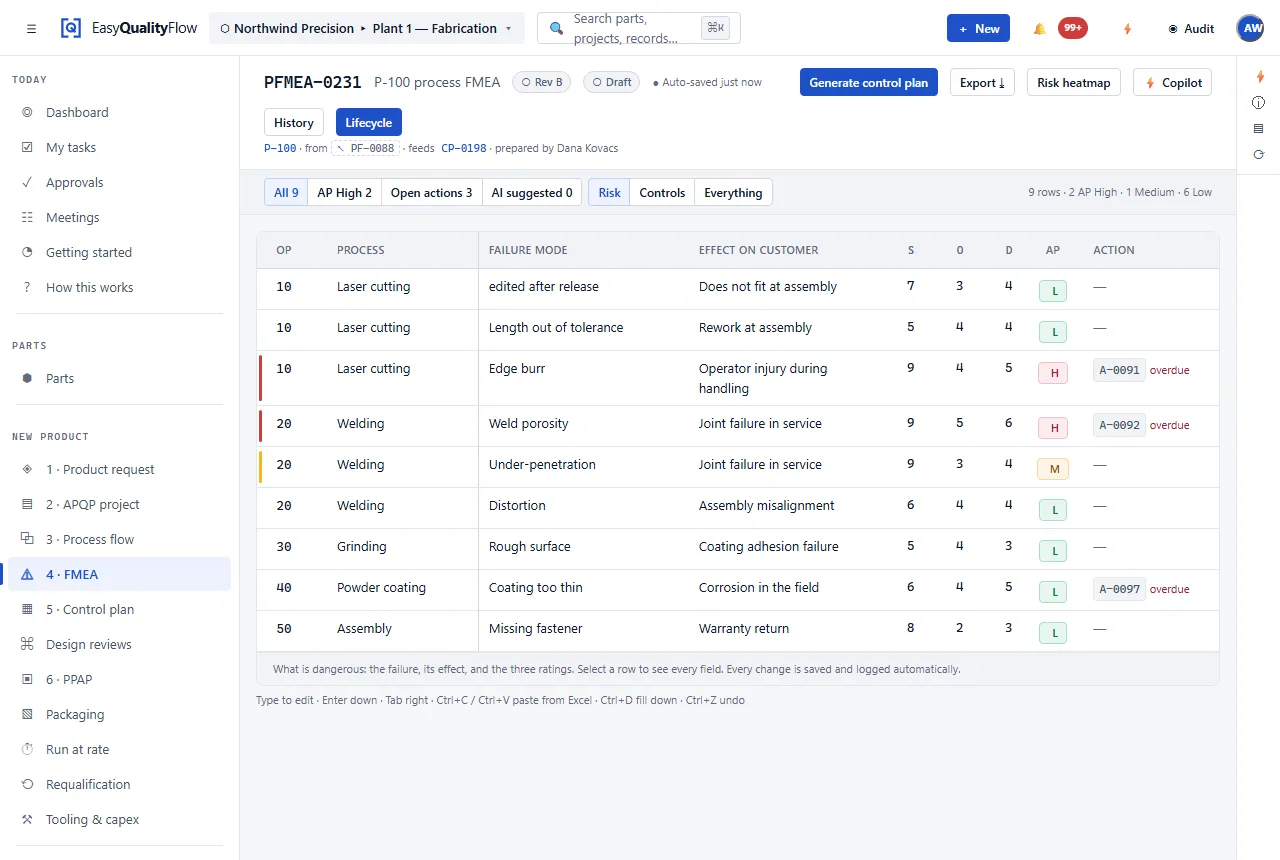
Design risk is decided early and revisited late.
A DFMEA is most valuable at exactly the moment when the least is known, which is why it is so often produced once, filed, and then quoted in an audit two years later as though it were still current. Meanwhile the drawing went to revision C.
Holding the DFMEA against the part record, with its own revision and review state, makes the relationship between a design change and a risk review explicit. A new drawing revision is a reason to look at the analysis again, and the document can say whether anyone did.
Against the part
A DFMEA belongs to a part record, so it travels with the characteristics taken from the drawing.
Design controls
Prevention and detection controls recorded as what the design does, not what the shop checks.
Risk evaluation
Severity, occurrence and detection captured in AIAG-VDA structure with Action Priority as the output.
Actions with owners
Recommended actions carry a named owner and close with a recorded result.
Revision control
Revisions with change reason and history, so an approved analysis is never edited in place.
Feeds the PFMEA
Design characteristics classified as special carry forward into process risk analysis and the control plan.
DFMEA sits with the part, ahead of the process.
Design risk analysis happens while the part is still being defined. What it produces — particularly which characteristics are critical or significant — is what the process side inherits.
- Held against the part and its drawing revision
- Functions, failure modes, effects and causes
- Design prevention and detection controls
- Revisions with change reason and history
- Special characteristics carried into the PFMEA and control plan
Connected capabilities
Every one of these works on the same record. That is the point of the platform.
Questions about DFMEA software
What is a DFMEA?
When should a DFMEA be updated?
How does a DFMEA relate to a PFMEA?
Can design and process analysis be kept in one system?
Analyse design risk where the part record lives.
Bring APQP, FMEA, PPAP, process flow, control plans, inspection and SPC into one connected platform.
Questions? support@easyqualityflow.com